
How Can a Sonoma County Small Business Use eCommerce to Sell Online and Still Win Local Customers?
Sep
How Can a Sonoma County Small Business Use eCommerce to Sell Online and Still Win Local Customers?
Yes, you can have both — an online store that ships to customers across California and a checkout experience that makes your neighbors in Santa Rosa, Petaluma, or Windsor feel just as taken care of as someone ordering from their couch in San Francisco. The trick is building your eCommerce setup around how your customers actually shop, not how some generic platform template assumes they do.
If you’ve been putting off adding a shop to your website because it feels complicated, expensive, or like something only big retailers can pull off — this article is for you. We’re going to cut through the noise and talk about what eCommerce actually looks like for a small business in Sonoma County.
Why eCommerce Is a Different Conversation for Sonoma County Businesses
Selling online in Wine Country isn’t the same as running a generic Shopify dropshipping operation. The businesses that do eCommerce well here tend to share a few things in common: they have products people can’t find just anywhere, they attract visitors who want to bring something home, and they’ve built enough local trust that regulars are happy to order online between visits.
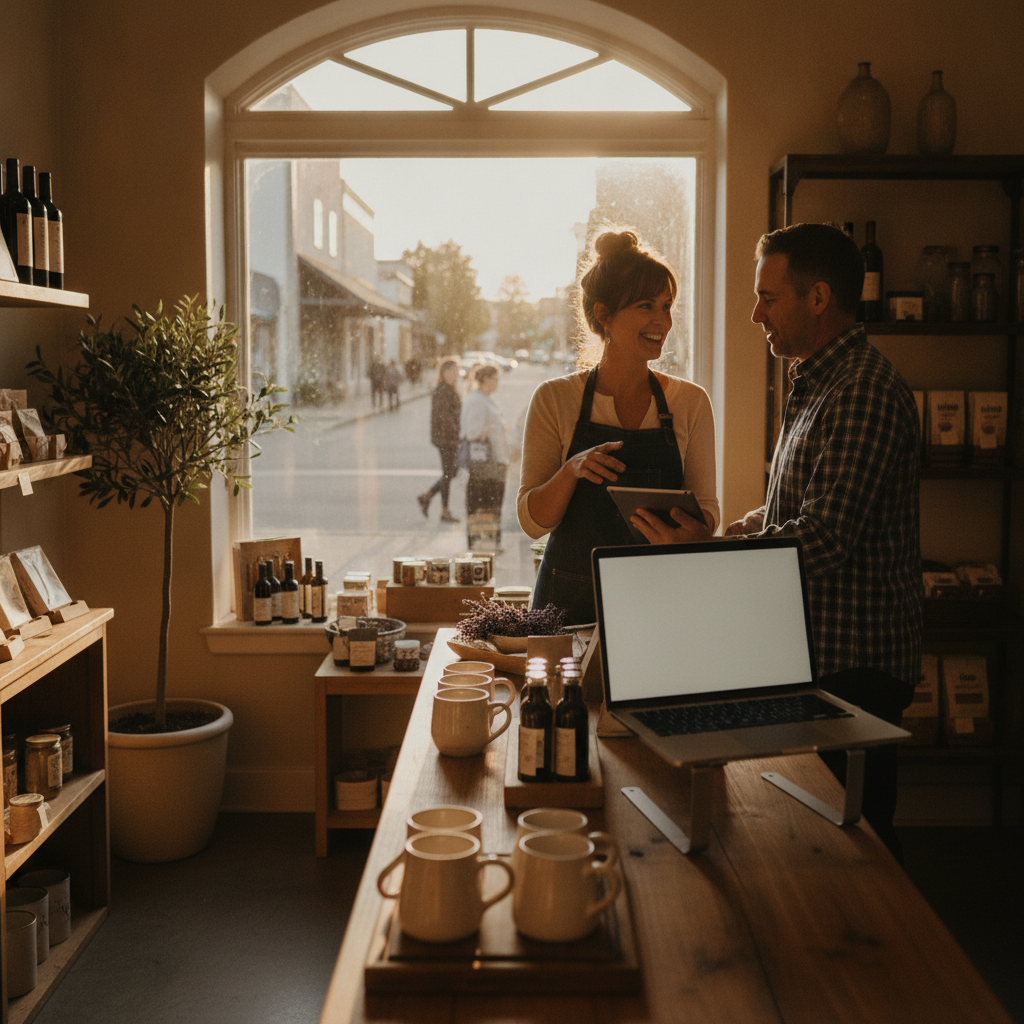
Think about the jam maker in Healdsburg, the specialty candle shop near the Sonoma Plaza, the independent toy store in Petaluma, or the small apparel brand that ships statewide but keeps a brick-and-mortar in Windsor. These aren’t businesses that need to compete with Amazon. They need a store that reflects their brand, works on mobile, processes orders without drama, and — critically — gives local customers the option to just pick up in person.
That last part is where a lot of DIY setups fall apart.
Local Pickup and Delivery: The Feature Most Store Builders Bury
Here’s something that almost none of the local web agencies in Sonoma County talk about clearly: local pickup and local delivery are not the same feature, and most eCommerce templates treat them as an afterthought.
If you run a retail shop in Santa Rosa and a customer lives ten minutes away, they don’t want to pay $8 shipping to get your product tomorrow. They want to order online at 9pm and grab it Saturday morning. That’s a different checkout flow than a customer who’s back home in Marin and wants you to ship their Sonoma Valley olive oil before the holidays.
Getting this right means configuring your store so that:
- Local customers can select curbside or in-store pickup with a real time window, not just a vague “we’ll email you” message
- Shipping options appear only for customers outside your delivery radius
- Local delivery — if you offer it — has its own pricing zone and scheduling logic
- Order confirmation emails feel like they came from your business, not from a generic platform
This level of configuration is absolutely doable. But it usually requires someone who knows how to set it up correctly, not just someone who clicked “enable local pickup” in a settings menu and called it done.
WooCommerce vs. Shopify: Which One Is Actually Right for You?
This is probably the most common question we hear from small business owners who are ready to sell online, and the honest answer is: it depends on how your business works, not on which platform runs the slickest ads.
Shopify is purpose-built for eCommerce. It’s fast to launch, handles payments cleanly, and has a massive ecosystem of apps. If you’re primarily a product-first business — meaning the store IS the business — Shopify is worth a serious look. The tradeoffs: monthly fees add up, customization has limits, and if you also need robust content marketing or local SEO capabilities, you’ll be fighting the platform a little.
WooCommerce runs on WordPress, which means it plays nicely with content-heavy sites, blogs, and local SEO strategies. If you’ve already got a WordPress site or you need a lot of flexibility in how your store looks and functions, WooCommerce gives you that room. The tradeoff: it requires more hands-on setup and ongoing maintenance. You’ll want someone who knows WordPress — not just someone who installed a plugin and hoped for the best. You can see examples of what a well-built local eCommerce site looks like in our design portfolio.
There’s also a middle path — platforms like Squarespace Commerce or Wix eCommerce — which work well for very small product catalogs where simplicity matters more than flexibility. They’re not the right tool for a business with 200+ SKUs or complex shipping rules, but for a pottery studio selling ten pieces at a time? Totally viable.
The eCommerce SEO Problem Nobody Talks About
You can build the most beautiful online store in Sonoma County and still get zero organic traffic if the SEO fundamentals aren’t in place. Product pages need more than a photo and a price — they need descriptive titles, unique product copy, structured data, and URLs that make sense to both Google and a human being.
For local businesses, there’s an additional layer: you want your store to show up when someone in Santa Rosa searches for what you sell, not just when someone searches your business name. That means integrating your eCommerce SEO with your broader local SEO strategy — your Google Business Profile, your location pages, your product category structure — so that Google understands you’re a real local business selling real products, not a faceless online store.
Seasonal relevance matters here too. Sonoma County’s tourism peaks in summer and fall — harvest season draws visitors from across the Bay Area and beyond. If you’re a local food producer, gift shop, or specialty retailer, your eCommerce traffic strategy should account for those waves. That means building content and running targeted ads before peak season, not during it.
When Paid Ads Make Sense for Your Online Store
Organic search takes time. If you’re launching a new eCommerce store or promoting a seasonal product line, paid advertising can get products in front of the right people a lot faster than waiting for Google to rank your product pages.
For most small Sonoma County retailers, the most effective paid channels are Google Shopping ads (which put your product image, price, and name directly in search results) and Meta ads on Facebook and Instagram (which are great for visually compelling products and retargeting people who visited your store but didn’t buy). TikTok Ads are worth a conversation if your product appeals to a younger audience — lifestyle goods, beauty products, food and beverage.
The key with paid ads for eCommerce is return on ad spend, not just traffic. A well-structured campaign tracks which products are actually converting, cuts the ones that aren’t, and reinvests in what’s working. That discipline is what separates profitable eCommerce from an expensive experiment.
What to Look for in a Local eCommerce Partner
The agencies that do this well — and there aren’t many locally who cover the full picture — should be able to answer these questions without hesitation:
- Have they built eCommerce sites for businesses similar to yours in Sonoma County?
- Do they understand the difference between a local pickup workflow and a standard shipping checkout?
- Can they handle both the design and the SEO, or will you need to hire multiple vendors?
- Do they know how to connect your store to your Google Business Profile and local ad campaigns?
- What happens when something breaks — is there ongoing support, or are you on your own after launch?
Be cautious of cheap overseas developers who build the store and disappear, and be equally cautious of big national agencies that pitch you a cookie-cutter Shopify template and call it a custom solution. The North Bay has enough unique business context — seasonality, local pickup expectations, tourism patterns, a strong buy-local culture — that generic approaches usually fall short.
Frequently Asked Questions
How much does it cost to add eCommerce to my existing website?
It varies significantly depending on the platform, the number of products, and how complex your shipping and pickup rules are. A basic WooCommerce or Shopify setup for a small catalog can range from a few hundred to a couple thousand dollars. More customized builds with local pickup logic, custom product pages, and SEO optimization will cost more — and are usually worth it if you’re serious about driving real revenue.
Can I use my existing website, or do I need to start over?
In many cases you can add eCommerce to an existing WordPress site using WooCommerce. If your site is on Wix or Squarespace, you may be able to enable their built-in commerce features. If your site is old, slow, or built on outdated technology, a rebuild might make more sense than trying to bolt a store onto a shaky foundation.
Will I need to manage the store myself, or can someone do that for me?
That depends on your capacity and budget. Adding products, updating inventory, and processing orders are typically things business owners handle themselves. Ongoing SEO, ad campaigns, and technical maintenance are usually where a local agency partner earns their keep.
Do I really need to worry about eCommerce SEO?
Yes — especially if you want organic traffic. Without proper product page optimization, your store will rely entirely on paid ads or repeat customers to drive sales. A little SEO work upfront can compound into significant free traffic over time.
What about sales tax for online orders in California?
California sales tax rules for online sellers can be nuanced — this is a question for your accountant, not your web designer. Most eCommerce platforms have built-in tools to help automate tax collection, but you’ll want professional guidance on your specific obligations before you launch.
Ready to Build an Online Store That Actually Works for Your Business?
At On The Mark Digital, we’ve been working with Sonoma County small businesses for nearly three decades. We understand the local market, the seasonal rhythms of Wine Country retail, and what it takes to build an eCommerce experience that converts — whether your customer is a neighbor in Santa Rosa or a Bay Area visitor who wants to relive their weekend trip one online order at a time.
If you’re ready to talk through your options — no pressure, no pitch deck — reach out for a free consultation. We’ll help you figure out what platform makes sense, what it will actually take to build, and what your realistic path to revenue looks like.